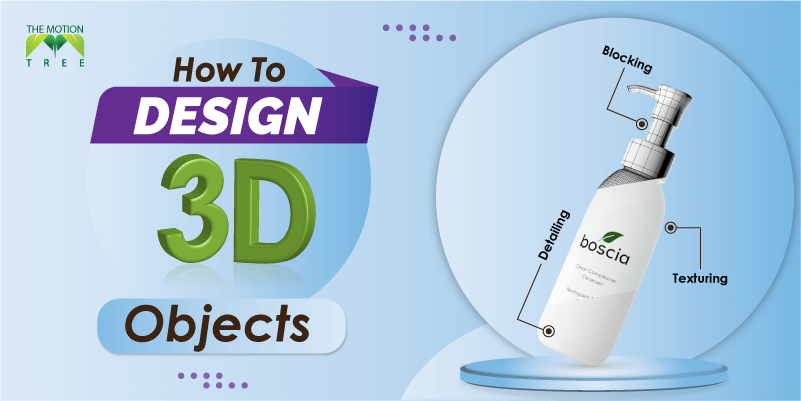
Are you starting in the 3D industry and wondering how to design 3D objects? The following article is curated for you. Thus, it’s a lot easier when you get to know the whole process. We will explain the process to create a 3D design and what you need beforehand.
The software and the process you choose matter a lot if you are a beginner. Yet you would find out a lot of beginner-friendly 3D modeling software. Whatever software or platform you are on, the core process of 3D modeling is the same.
Perhaps, let’s start with the guidelines on the 3D model creation process.
Let’s start with the complete guideline on how you could design your 3D objects. It would let you learn how to create 3D designs and deploy them to further usage. Moreover, it would help you to understand the basic procedure as a beginner.
The first part of the 3D modeling process is to choose the software you are most comfortable with. You could use any of the 3D software depending on your skillset. For example, if you are looking for beginner-friendly 3D software, Autodesk’s Tinkercad would be best for you.
On the flip side, if you know the fundamental aspects of 3D, mainstream design software is available for you. Take, for example, 3DS Max, Cinema 4D, Blender, Rhino. Each one has license-free except the open-source Blender software.
If you want to design 3D models for printing, software like Cura, Slic3r can come in handy. Most of them offer you free usage and don’t ask for any license.
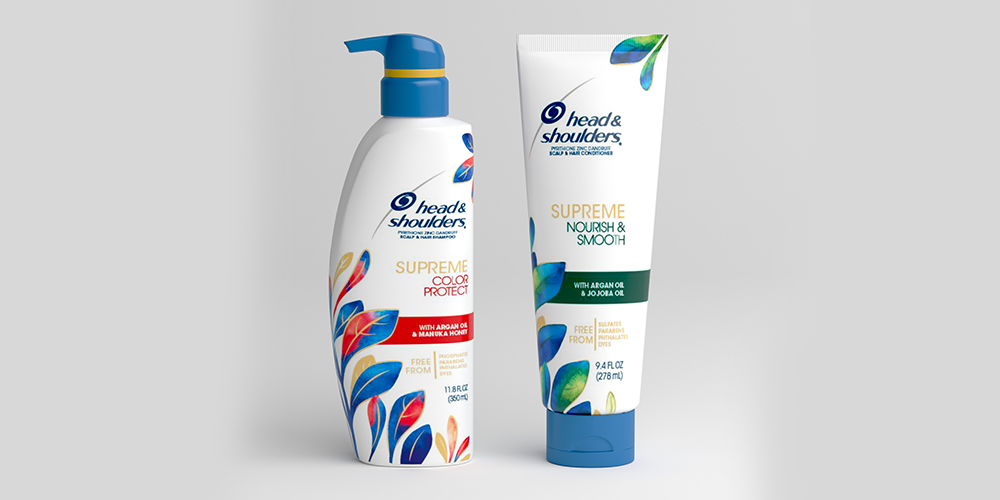
Before you start your 3D builder program, it’s best to have a blueprint. You could have a rough pencil sketch of the 3D design you want to create. In most professional projects, you would get a clear drawing of the model and its dimensions.
In addition, you must determine the units for the 3D model. The most common measuring unit for 3D models is metics. You could use other units as well according to your blueprint.
Always try to create 3D models according to real-world measurement. Further, it would be beneficial for printing the design as well.
Now it’s time to create a 3D model on your selected software. Depending upon the 3D software you have to follow a specific process. Make sure you have a decent understanding of the tools within the software.
For example, if you use Tinkercad, a web-based beginner-friendly and free 3D design software, follow the below steps.
Step 1: First you need to sign up and create an account.
Step 2: Go through the quick tips session.
Step 3: Afterward go to the dashboard, Choose a shape from the Basic Shapes tab.
Step 4: Start modifying the shape.
Step 5: Once done, click on Export > 3D Print and choose your 3D printer.
Tinkercad doesn’t let you perform texturing, but hardcore 3D Builder software like Autodesk Maya, you texturing options. Using the texturing process you could paint any image on the surface of your 3D model. It creates detail on the surface of the 3D design.
You could add further displacement on the 3D model surface using noise textures. You could add other details to make the model surface dynamic.
Once you have done all the 3D design and texturing processes, try simplifying the 3D mesh. Perform actions like subdividing your whole model, and simplify the mesh structure. It would help you in a tremendous way while printing your model straight from 3D Builder software.
Nowadays, 3D modeling software comes with built-in mesh simplifying tools. Make sure you have reduced the complexity of your model and the total number of vertices within the mesh. Once you are done modeling, render it or export the file to another platform as per your need.
Now you know how to design 3D objects using various 3D builder tools. Thus, we have also discussed how you should print the model that you have created. It would make the whole process smoother for you. In short, it’s a lot straightforward if you are familiar with the basic concepts of 3D modeling.
Moreover, it’s more than important to use the right tool. If you are just starting in the 3D world, use beginner-friendly software. Autodesk’s ThinkerCAD would be the best platform to start. It’s a web-based tool and free to use. Start using proper 3D design software to create your models now.
2
3
4
April 7, 2026
7
April 3, 2026
8
April 3, 2026
9